Clinical-grade 3D scanning for bodies and objects — straight from your iPhone.
Scan body or object with guided LiDAR capture. Measure on-device, enhance the mesh, and export millimetre-accurate STL, OBJ, or USDZ — or a measurements PDF with real-world values. View, measure, and enhance for free — including 2 free Standard exports to start.
Who it's for
Built for clinical practice
Scan selection
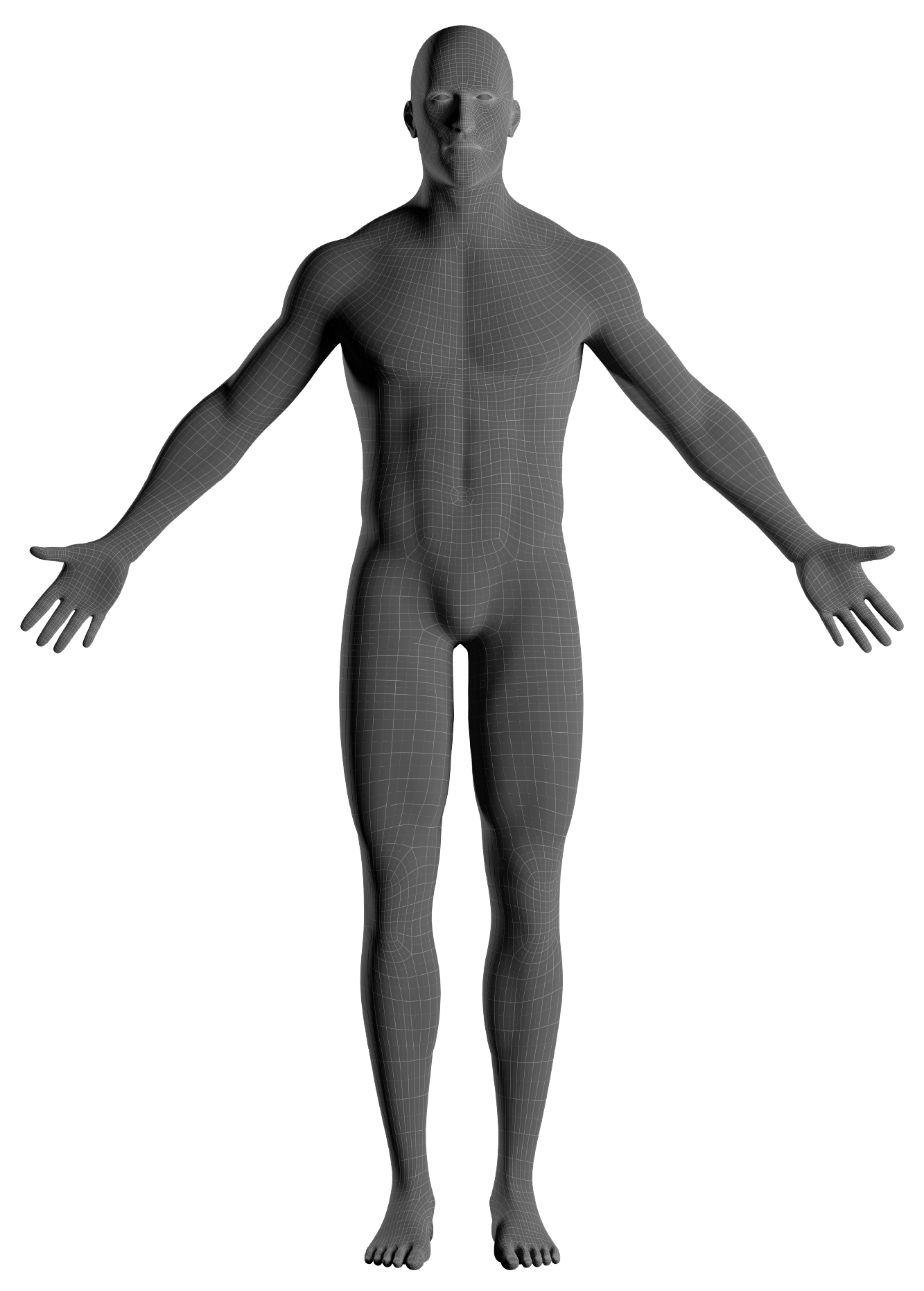
Auto-touring the body · tap any point to explore
Prosthetics
Capture residual limb geometry (including left/right and below-/above-knee modes) quickly and consistently for socket design and fit.
Orthotics
Scan feet, ankles, limbs, or a foam impression box for custom orthoses — without plaster casting.
Clinical teams
A repeatable, documented capture workflow that fits into existing clinic practice.
Guided LiDAR capture on iPhone
Review and refine on a larger screen
How it works
From capture to CAD in three steps
01
Guided scan
Choose Object or Body, then follow a step-by-step LiDAR capture for prosthetic and orthotic body parts or any physical object.
02
Preview & measure
Tap distances on the 3D model (mm), enter per-scan clinical real-world fields, compare digital vs real-world, and share a Measurements report PDF — all free.
03
Enhance & export to CAD
Free on-device tools: Clean, Close mesh, Retopologize, Sharpen, Denoise, Smooth, Add detail, and an interactive mesh editor. Export STL, OBJ, USDZ, or Quad Mesh when unlocked — optionally with the Measurements PDF, and STL/OBJ scaled from a real-world compare so CAD matches the tape measure.
See it in action
From a guided LiDAR capture on iPhone to a Fusion-ready quad mesh you refine for CAD.
Guided LiDAR capture on iPhone
Editing the exported quad mesh, ready for CAD
Features
Everything you need to ship a scan
LiDAR capture
Guided Object or Body scanning with the built-in iPhone/iPad LiDAR sensor — including residual limbs and foam impression boxes.
On-device measurement
Free tap-to-measure on the mesh (mm). Enter tape-measure real-world clinical values per scan type, compare digital vs real-world (Δ), and share a free Measurements report PDF — Digital, Real-world, and difference — for the clinic record or a CAD partner.
CAD-ready exports
Millimetre-accurate STL, OBJ, and USDZ, plus optional Quad Mesh. A matched digital vs real-world pair can set export scale so shared STL/OBJ match the tape measure (on-screen mm stay uncorrected; USDZ stays metric). Bundle the free Measurements PDF with the mesh share.
Mesh enhancement
Free tools to clean, close, retopologize, sharpen, denoise, smooth, add detail, and cut away junk before you export.
Private by design
Scans and optional patient records stay on-device and in your private iCloud — not on Limbiq servers.
Pay per result
Two free Standard exports to start. Then unlock per scan, or subscribe if you scale. Quad Mesh is never free.
Requirements
What you need
Limbiq3D relies on the Apple LiDAR sensor for accurate depth capture.
- iPhone or iPad
- iOS 17 or later
- LiDAR sensor — iPhone 12 Pro or newer (Pro / Pro Max), or iPad Pro with LiDAR
Limbiq3D requires a LiDAR Scanner and an A14 Bionic or M1 chip or later. That means iPhone 12 Pro or later (Pro models only) and iPad Pro from 2021 onward. The 2020 iPad Pro models have LiDAR but use the older A12Z chip and are not supported. Standard iPhone, iPhone Plus, SE, iPad Air, iPad mini, and standard iPad models have no LiDAR sensor.
Sync & Mac
Works across all your devices
Scan on a LiDAR iPhone or iPad — then review, measure, and export from any of your Apple devices, including a Mac.
Every scan you capture — the 3D model, any cleaned-up mesh, a generated quad mesh, your on-screen measurements, hand-entered real-world measurements, and the patient record it's grouped under — syncs automatically across your Apple devices. It uses your own private iCloud, tied to the Apple ID you're signed into. There's nothing to set up inside Limbiq3D — if your devices are signed into the same Apple ID with iCloud enabled and online, it just happens in the background.
Edit anywhere
Change a measurement, a real-world value, a mesh edit, or a patient detail on any device, and it appears on your others. If the same scan is edited on two devices, the most recent edit wins.
Patient records
Optionally link body scans to a patient (name, optional date of birth, optional clinic ID) and group the library by patient. Stored in your private iCloud — not on Limbiq servers.
Private by design
Your data stays in your own iCloud, not on a Limbiq3D server. We can't see your patients' scans or measurements.
The same app, now on your Mac
Limbiq3D runs on Mac computers with Apple silicon (Designed for iPad) — view, measure, and export on a larger screen. Capture still needs a LiDAR iPhone or iPad Pro; once synced, every scan, measurement, and real-world value is ready on your Mac or iPad mini.
Which device does what
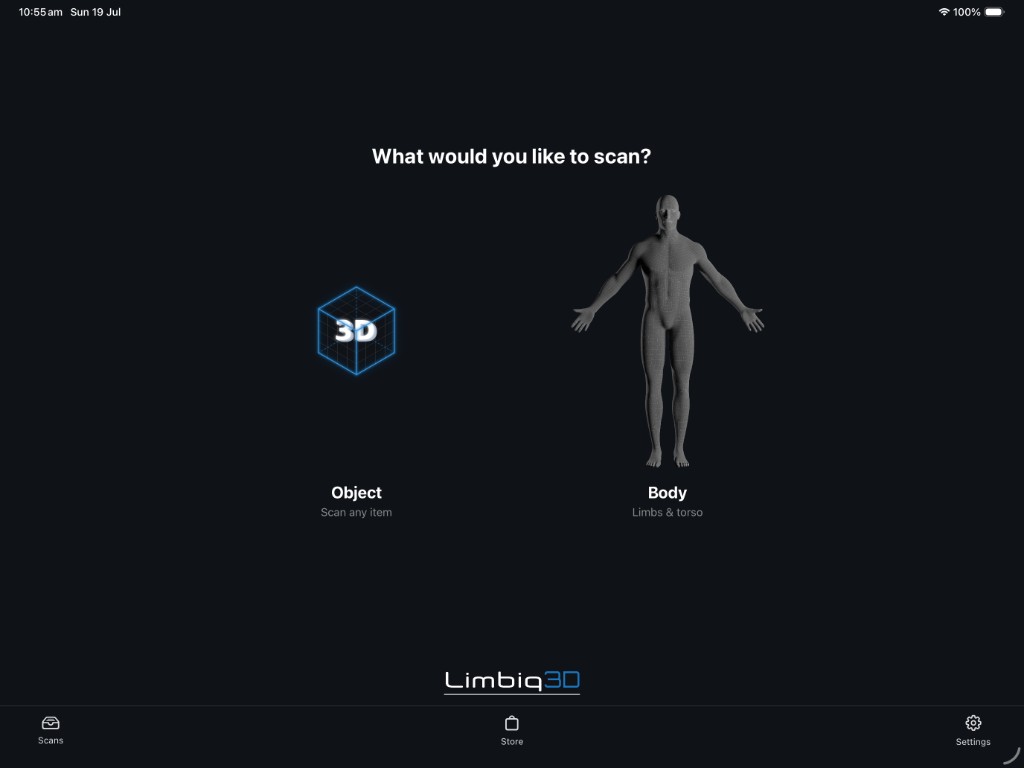
Capturing a new scan needs the LiDAR sensor on a supported iPhone Pro or iPad Pro. Any device signed into the same Apple ID can view, measure, and export scans once they've synced.
Sync requires each device to be signed into iCloud with iCloud Drive enabled, and connected to the internet. It happens in the background and isn't instant — large meshes can take a short while.
Want an extra copy? Use manual Backup & Restore (a .limbiqbackup file) to Files, Google Drive, or elsewhere — separate from automatic iCloud sync. To hand a single scan to a colleague or another device, send or import a .limbiqscan package via AirDrop, Files, or email.
Pay per scan, or subscribe at volume — your choice.
Viewing, measuring, and enhancing are free. New users get 2 free Standard exports (lifetime) — Quad Mesh is never free. After that, pay per scan or subscribe if you scan at volume.
Standard export
$9.99
/ scan
One unlock = all standard formats: STL, OBJ, USDZ
Quad Mesh
+$10
($19.99 all-in)
Quad / Fusion-ready retopology export added to an unlocked scan
Solo
$29.99/mo
· $299.99/yr
Unlimited standard exports + 2 Quad Mesh exports per month — unused roll over (up to 12)
Solo Pro
$59.99/mo
· $599.99/yr
Unlimited standard + unlimited Quad Mesh
Credit packs — buy in bulk
One-off purchases, no subscription. Credits never expire and are spent per scan from the app's export screen.
Standard 10-Pack
$79.99
10 Standard export unlocks
STL, OBJ, and USDZ. Use on any scans, no subscription.
Quad Mesh 10-Pack
$149.99
10 Quad Mesh export unlocks
Quad / Fusion-ready retopology. Use on any scans, no subscription.
Support
We're here to help
Something not working? Report a bug from the app — Settings → Support → Report a bug — or email support@limbiq3d.com. FAQ and a contact form are below.
Frequently asked questions
Contact us
Ready to scan?
Download Limbiq3D on your iPhone, iPad, or Mac (Apple silicon). Viewing, measuring, and enhancing are free — plus 2 free Standard exports to start. Then you only pay to unlock further exports.
Download on the App Store